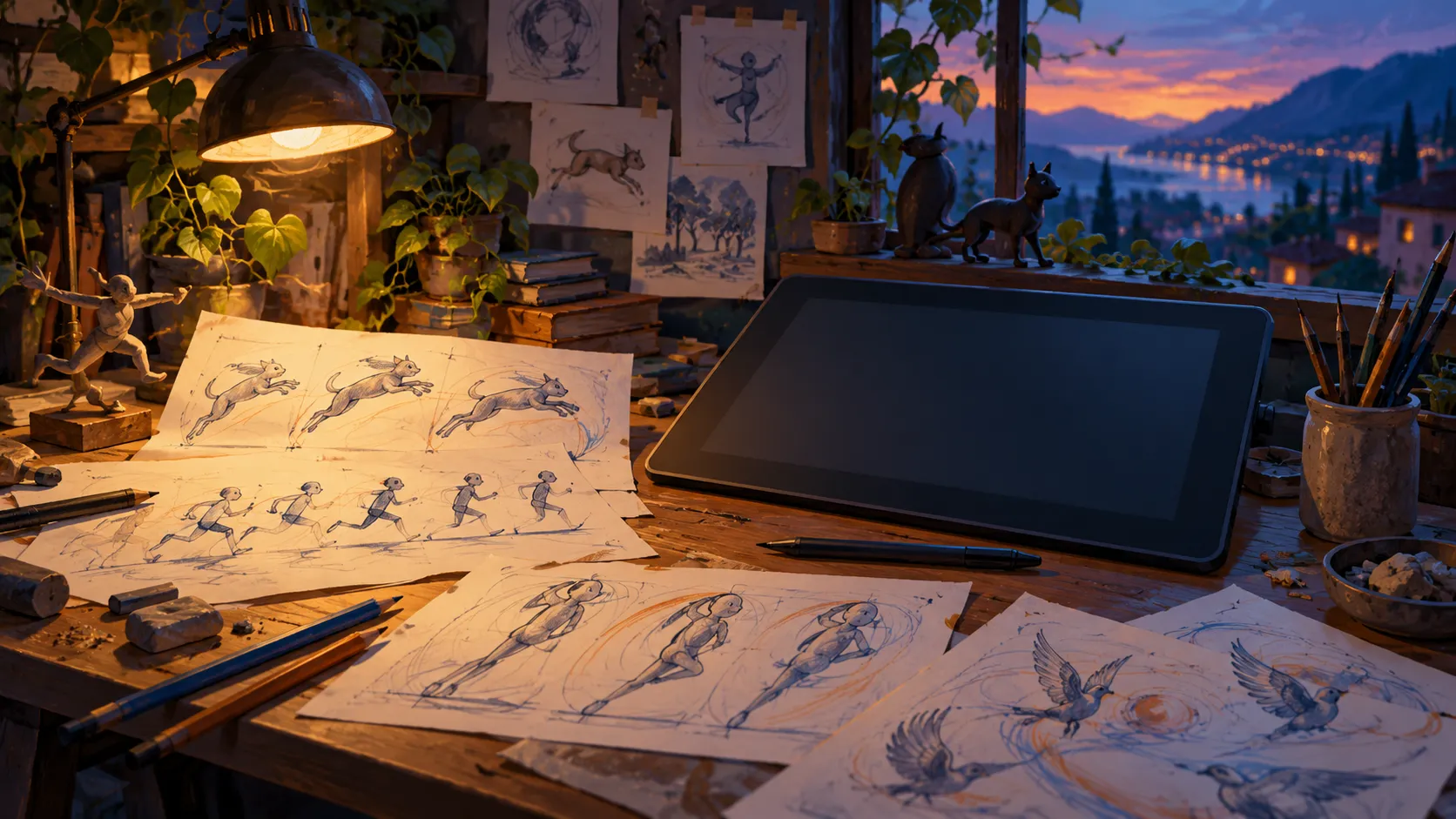
Krita’s frame-by-frame workflow needs planning around frames, layers and memory. Start with one clearly defined movement.
A drawing workflow with memory costs
Krita documents frame-by-frame raster animation and an Animation workspace with timeline and onion-skin tools. Its manual explains that frames are held in memory, so a long animation can consume substantial RAM. The number of layers, dimensions and frames all deserve consideration before treating a still-image workflow as a long-film workflow.
Sketch the action first
Our suggested exercise is one shot showing a simple action with a beginning and an ending. Draw a few storyboard positions on paper or in a separate file before building the animation. Identify what remains still and what changes. This can make a short test meaningful without committing to a large frame count immediately.
Make small milestones
The manual recommends splitting larger work into short clips and keeping backup versions. Our suggested routine is to save a named milestone after the key positions are readable, then continue on a new working version. A backup is useful only if you can find and reopen it; keep the naming scheme simple enough to use consistently.
Check the rendered view
Krita’s Render Animation can produce a frame sequence or, with its documented dependencies, a video. Review the output’s timing and framing, then keep the editable original. A movie can be a delivery copy without replacing the animation project. We have not tested memory use on your system or claimed that a particular resolution will run smoothly.
Go straight to the people who make it.
Krita animation workflow and memory guidanceSource check: 2026-10-02. General guidance; follow your device’s current instructions.