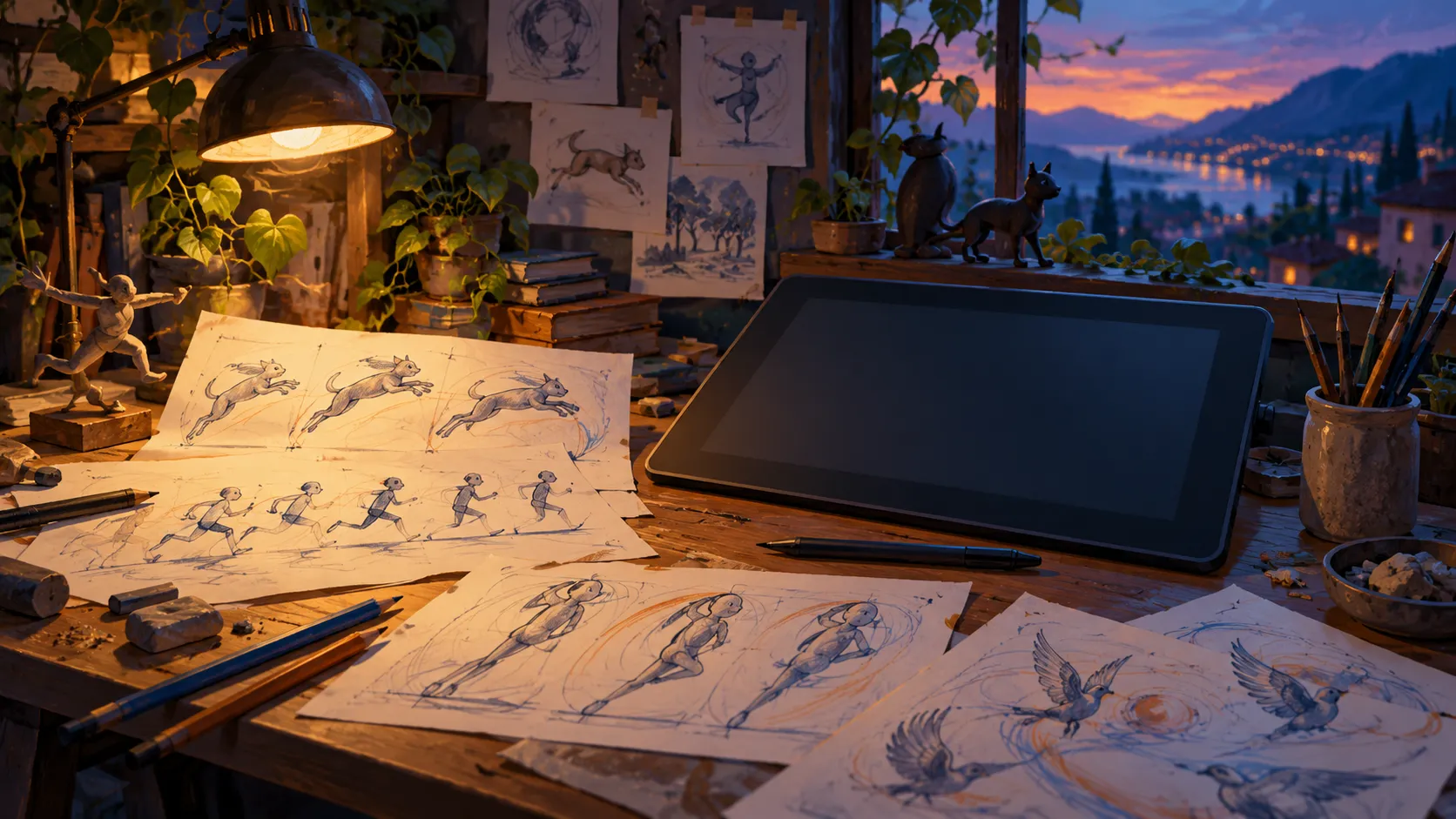
Our research assessment: shortlist Krita when painting and illustration are the main job, then evaluate it with the input device you will actually use.
- Painting-focused tools
- Desktop releases from the developer
- Tablet setup affects the experience
- Not every image task needs a painting workspace
Why a painting focus matters
Krita presents itself as a free, open-source painting program for artists. Its official site highlights illustration, concept-art and related creative work. The download page provides platform choices and requirements. This fieldnote covers the desktop editions; it does not establish equivalent support or performance on every tablet and phone.
Use a small drawing as your test
Our suggested trial is a simple illustration with a sketch layer, a colour layer and a final export. Check how your pen pressure behaves, whether you can comfortably undo a stroke and how easily you find layers after a break. Test at a canvas size appropriate to your actual work. Brush variety is useful, but the few brushes you understand may matter more than the size of a preset library. These are checks to perform, not results from our own device testing.
Keep an editable original
Treat the editable project and the image you share as two different files. Preserve layers in your working copy, then export an appropriate flat image for delivery. Avoid overwriting the only editable copy while experimenting. Krita is appealing when you want to spend time drawing inside a dedicated art environment. If most tasks are straightening photos or arranging document pages, compare that workflow separately instead of expecting a painting application to handle every creative job equally well.
Go straight to the people who make it.
Krita project overviewOfficial desktop downloadsSource check: 2026-09-22. This is a research review based on official documentation. We have not performed hands-on tests for this review.